Connect Rach Dev LLP to your stack
Your agents and backend are only as useful as the tools they can reach. Rach Dev LLP plugs into the services you already run on — and connects to everything else through an open API.
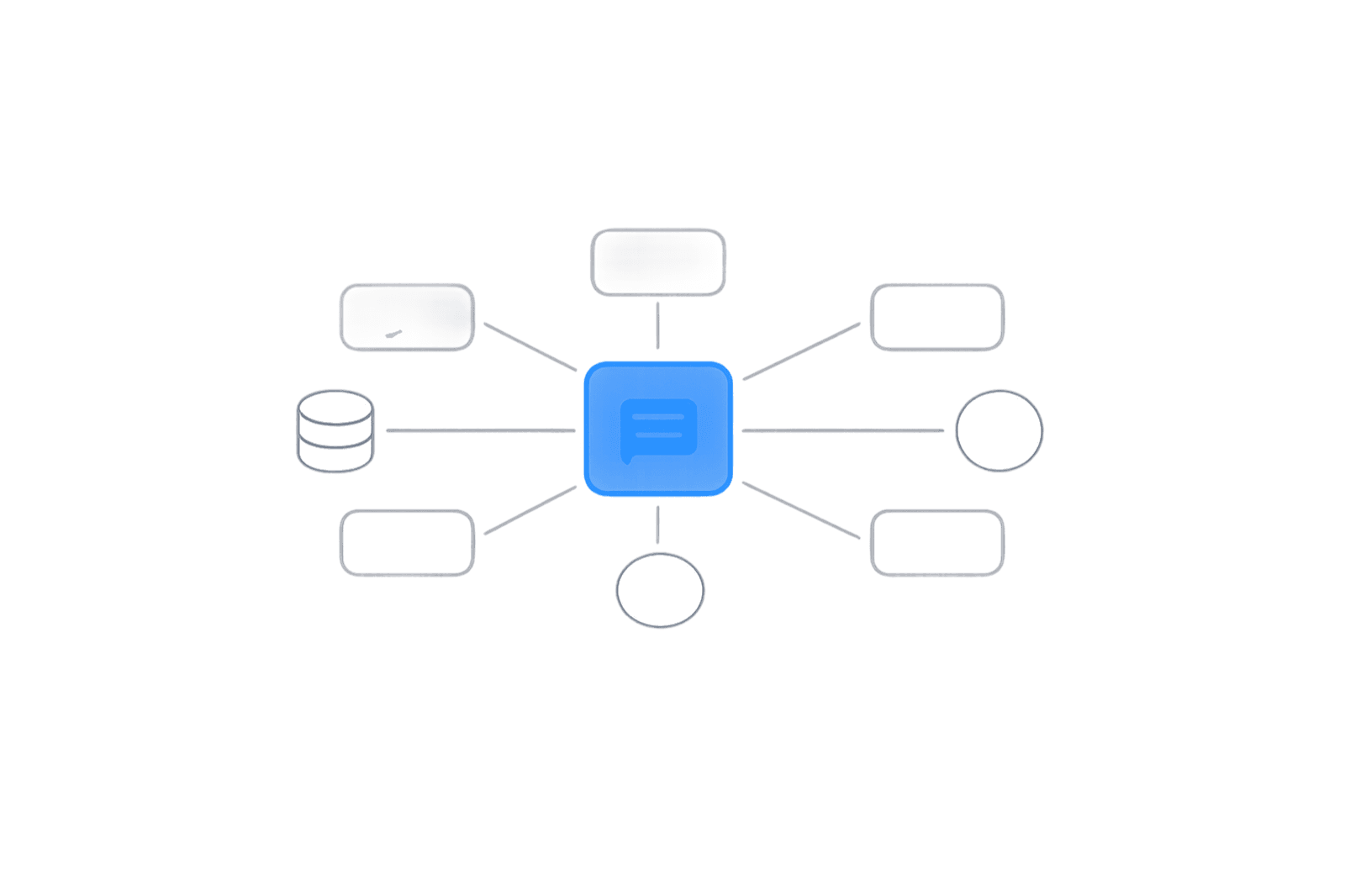
Rach Dev LLP connects to the tools your business already uses — auth providers, messaging channels, CRMs, commerce platforms, payment processors, and LLM providers. Anything not natively supported connects through auto-generated REST APIs and outbound webhooks, so you're never blocked waiting on an integration.
Integrations by category
Common services are pre-wired into templates. Everything else connects through the API.
Databases & Storage
Your data layer is managed for you — and connects to the storage you already use.
Authentication & SSO
Drop-in sign-in for your users and your team, including enterprise SSO.
Messaging & Chat
Meet customers where they already are — deploy the same agent across channels.
CRM & Sales
Keep your pipeline in sync so agents act on real customer context.
Commerce
Read live inventory, orders, and customer history to power support and recovery.
Payments
Process and reference payments without ever storing raw card data.
LLM Providers
Route to the right model for the job, with configurable fallbacks.
Developer Tools
Fit Rach Dev LLP into the workflow your engineers already use.
Webhooks & REST API
Connect anything else. Every project ships with auto-generated REST endpoints and outbound webhooks.
Three steps to a connected agent
Connect once, configure what the agent can do, and ship.
Connect
Authenticate the service once. Credentials are stored encrypted and scoped to least privilege.
Configure
Map the data and actions your agent can use. Pick a template and the common integrations come pre-wired.
Deploy
Ship the agent. It reads and writes through your connected tools in real time, with every action logged.
Integration questions, answered
What teams ask before wiring Rach Dev LLP into their stack.